Insights
QR Code Menu for Restaurants: What It Is, What It Costs and How to Create One (2026)
What a QR code menu is, how it works, what it costs and how to create one step by step: DIY vs platform, best practices and 4 common mistakes to avoid.
Updated: November 14, 2026
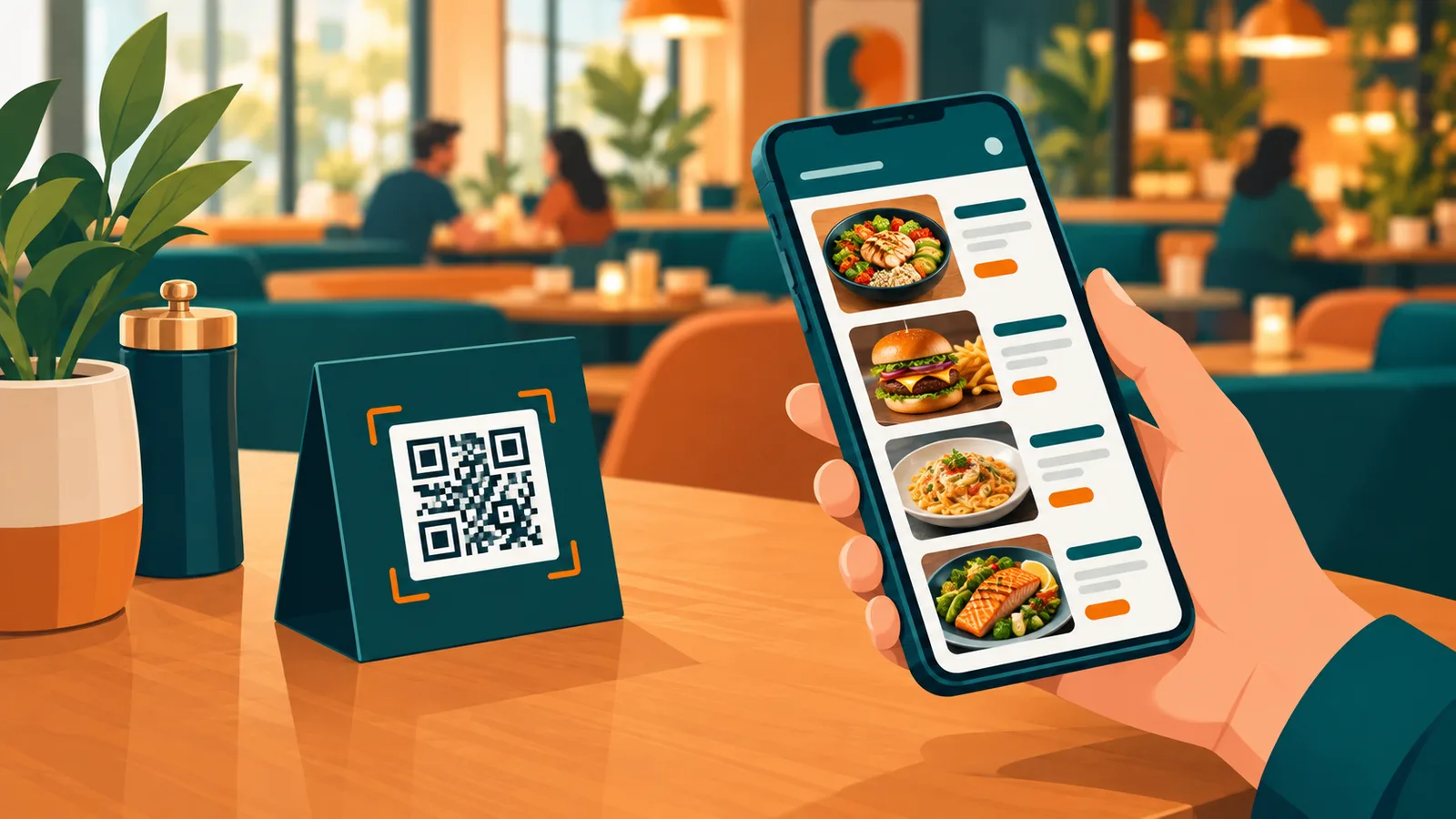
A QR code menu lets guests scan a code on the table and open your full menu on their own phone. No app download, no waiting for a printed menu, no reprint when a price changes. In 2026 it is the fastest way for a restaurant, cafe or bar to go digital, and most guests already expect it.
What is a QR code menu?
A QR code menu is a digital menu that opens when a guest scans a code on the table, at the door or at the counter with their phone camera. There is nothing to install: the camera reads the code, the guest taps the link and the menu is on screen. That is why QR menus took off so quickly: they ask almost nothing of the guest.
How a QR code menu works
The QR code is only a doorway. It points to a web page, your digital menu, that loads in the phone browser. Because the code itself never changes, you can edit dishes, prices, photos and allergen notes at any time and every table shows the update instantly.
Guest scans the code with the phone camera.
The digital menu opens in the browser, in the guest's language.
You update the menu from a dashboard; the printed code stays the same.
Why restaurants switch to QR menus
Lower printing costs. No more reprints for every price change or seasonal dish.
Faster table turns. Guests start browsing the moment they sit down.
Higher average check. Photos, descriptions and highlighted add-ons help guests order more.
Multi-language menus. Serve tourists in their own language without extra staff effort.
Always accurate. Sold-out items disappear and new items appear in seconds.
Useful data. See which dishes get viewed most and where guests drop off.
Two ways to make a QR code menu
Option 1: A PDF and a free QR code generator
The quickest route is to upload a PDF of your menu, paste its link into a free QR code generator and print the code. It costs nothing up front, but it rarely lasts. A PDF is hard to read on a phone, every price change means a new file, and you get no data on what guests look at. It can work for a small kiosk with a one-page menu that never changes.
Option 2: A digital menu platform
The second route is a platform built for menus. You add your dishes once, the menu is designed for phones, and you change prices, photos or availability from a dashboard while the printed code stays the same. Most platforms add translations, allergen labels and simple analytics, and charge a monthly subscription for it. For most restaurants and cafes this is the option that pays off.
How much does a QR code menu cost?
A simple static QR code that links to a PDF is free, but it is hard to read on a phone and impossible to track. A proper QR digital menu platform is usually a small monthly subscription. Compare plans by what is included: unlimited edits, photos, multiple languages, categories, allergen labels and analytics. For most restaurants the subscription costs less than a single reprint of a large printed menu.
Compare that with paper. A printed menu is not a one-off cost: worn copies, new prices and seasonal dishes all mean reprints. A digital menu turns that into one fixed subscription, and updates cost nothing.
How to create a QR code menu, step by step
Gather your menu. Dish names, prices, short descriptions and good photos.
Choose a digital menu platform. Pick one that makes the menu mobile-first and lets you edit it yourself.
Build categories. Starters, mains, desserts, drinks. Keep the order the way guests think.
Print the QR code. Use table stands, stickers or coasters. Make the code at least 3 cm wide and add a short line like "Scan for our menu".
Test it. Scan from different phones, in daylight and low light, before service.
Train your team. Staff should know how to help guests who cannot scan and keep the menu updated.
QR menu best practices
Keep the menu fast: compress photos and avoid heavy PDFs.
Put best sellers and high-margin dishes at the top of each category.
Use clear allergen and dietary icons.
Keep one printed menu available for guests who prefer paper.
Put the QR code where guests look first: table center, not the napkin ring.
4 common QR menu mistakes
Leaving the code without context. A bare square on the table gets ignored. Add a short line such as "Scan for the menu" so guests know what it is.
Treating a PDF as a digital menu. Guests notice the pinching and zooming straight away.
Publishing without photos. Photos are the biggest advantage a digital menu has over paper. Use them.
Removing paper menus completely. Keep a few printed copies for guests who ask. The goal is a better experience for most guests, not forcing everyone onto a phone.
The biggest mistake is a PDF menu that needs pinching and zooming. Next is a QR code that is too small or printed on a glossy surface that reflects light. Finally, many restaurants forget to update the menu, which makes guests lose trust. A good digital menu is mobile-friendly, quick and kept current.
QR menu or full digital menu?
The QR code is how guests reach the menu. The digital menu is what they see. The best results come from a menu designed for phones, with photos, categories, languages and live updates. That is exactly what Foost builds: a QR code digital menu you can launch in minutes and edit whenever you want, so every scan turns into a better guest experience and more orders.
We cover what a digital menu can do beyond the QR code in our guide What Is a Digital Menu?
FAQ
- What is a QR code menu?
- A QR code menu is a digital menu that guests open by scanning a code with their phone camera. The code links to a mobile web page with your dishes, prices and photos.
- Do guests need to download an app to use a QR menu?
- No. The menu opens in the phone browser after a scan, so there is nothing to install.
- How much does a QR code menu cost for a restaurant?
- Free static QR codes exist, but a proper QR digital menu platform is normally a small monthly subscription that includes editing, photos, languages and analytics.
- Can I change prices without reprinting the QR code?
- Yes. The QR code always opens the same link, so you can edit items and prices in your dashboard and every table shows the update right away.
- Can I make a QR code menu for free?
- Yes. A PDF linked to a free QR code generator costs nothing, but it is hard to read on a phone and every change means a new file. Digital menu platforms charge a monthly fee and give you a mobile-friendly menu you can update any time, plus analytics. Most offer a free trial.