Insights
PDF Menus or Digital Menus: What AI Search Actually Sees (2026)
Google and AI assistants can read some PDFs, but scanned menus, missing structured data and stale files cost you visibility. Here is what actually works in 2026.
Updated: November 21, 2026
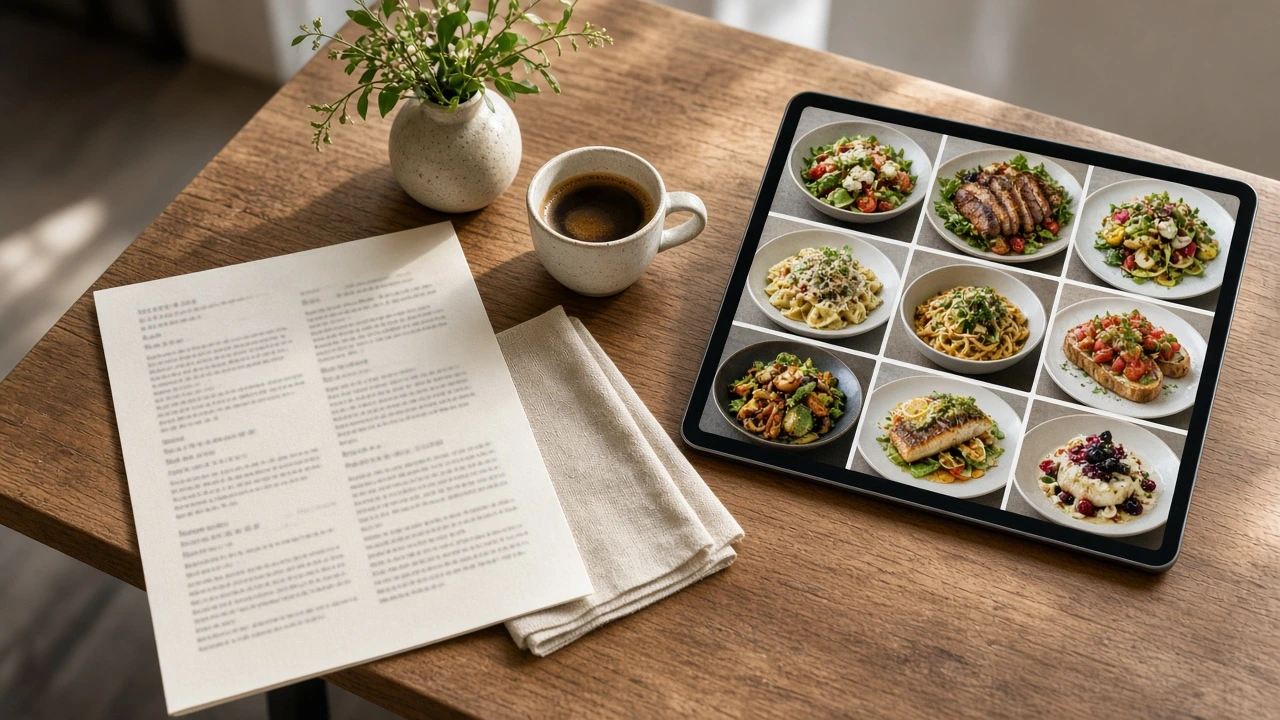
How guests find restaurants in 2026
A growing share of restaurant discovery now involves AI assistants. Guests ask ChatGPT, Gemini, Perplexity and voice assistants questions like "a quiet Italian place near me with vegetarian options under $30" and get a short list of names back, sometimes with dishes, prices and opening hours included.
Those answers are built from data the assistant can find and read. Which raises a fair question for any restaurant whose menu is a PDF: how well does that file actually serve you?
First, a myth to drop: PDFs are not invisible
Google has indexed PDF files since 2001, and it can even run OCR on scanned documents. ChatGPT can read text-based PDFs, including public files it finds on the web. If your menu PDF contains real, selectable text, search engines and AI tools can usually extract it.
So the problem is not that machines can't read your PDF at all. The problem is everything that can go wrong between "technically readable" and "reliably useful".
Where PDF menus actually fall short
Scanned menus are a gamble. If your PDF is a scan or a photo of a printed menu, there is no text layer to extract. OCR can recover some of it, with errors, and a menu photo posted to Instagram or a website is not text at all.
No structured data. schema.org markup (Menu, MenuItem, Offer) lives in HTML, not in PDF files. Without it, machines must guess which words are dish names, which are prices and which are descriptions.
Weak control over how you appear. For PDFs, Google builds the search title from the file's metadata and the anchor text of links pointing to it, not from a page title you control.
One file, mixed languages. A single PDF cannot give Turkish, Arabic and English speaking guests each their own indexable page.
Stale versions linger. An old PDF linked from your Google Business Profile keeps quoting old prices until someone remembers to replace it.
What "machine-readable" actually means
A machine-readable menu is a menu that lives on the web as real, structured data:
HTML text, not files. Every dish name, description and price is real text on a real web page that crawlers can fetch in one request.
Consistent structure. Each item follows the same pattern: name, description, price, category, dietary labels. This lets machines parse your menu reliably instead of guessing.
Schema.org markup. Menu, MenuItem and Offer structured data tells search engines exactly what you serve and what it costs. This markup can only live in a web page, not in a PDF.
Multiple languages as real pages. Each language version is its own indexable page, so you can appear in searches made in any language your guests speak.
A stable public URL. Assistants and search engines need an address to cite. A menu behind a login or an app download does not exist for them.
What a machine-readable menu does (and doesn't) get you
Let's be honest about the limits: no menu format can guarantee that ChatGPT or Google will recommend your restaurant. AI answers depend on many signals, including your reviews, your listings and how well known you are.
What a structured web menu does is remove the technical barriers:
Reliable extraction. Dish names, descriptions and prices arrive as clean text, not OCR guesses.
Structured-data eligibility. Your menu can carry the markup machines use to understand offerings, which a PDF cannot do.
Per-language visibility. Each language version is its own indexable page instead of one mixed document.
Always current. Update a price once and every system that reads the page sees the new version. A PDF uploaded two years ago keeps quoting old prices until someone replaces it.
A 7 step checklist to make your menu machine-readable
Move your menu off PDF and photos onto a real web page.
Give every item a name, a short description and a price as plain text.
Group items into clear categories (starters, mains, desserts, drinks).
Mark dietary and allergen information in a consistent way.
Add structured data (schema.org Menu markup) or use a platform that adds it for you.
Publish each language as its own page instead of one mixed document.
Keep one stable public URL and link it from your Google Business Profile, Instagram bio and QR codes.
How Foost helps
Foost builds your menu as a structured web menu instead of a PDF. Every dish you add is stored with its name, description, price and category, and opens from the same stable link in every language you enable. There is no PDF to maintain and no reprint cycle: you edit once in the panel, and your guests always see the current version.
Your QR codes, your Google Business Profile link and your social bio can all point at the same living menu, so guests see the same up-to-date menu wherever they find you.
The bottom line
A PDF menu is not invisible to AI search, but it is the weakest way to present your food to machines: harder to extract, unable to carry structured data, and quick to go stale. A machine-readable digital menu cannot guarantee you a spot in AI answers, but it removes every technical excuse for leaving you out.
Start your free Foost trial today and take your menu off PDF.